Every Christian widget in Bible Widgets for iPhone and Android: Scripture, prayer, affirmation and quote widgets, Lock Screen widgets and the streak widget.
October 13, 2026
·
3 min
Christian widgets put Scripture, prayer and Christian quotes on your phone's Home Screen and Lock Screen so you meet them through the day without opening an app. Bible Widgets is built around them: one app, several widget types, each with its own content, theme and refresh rhythm.
This guide lists every widget type in the app, what it shows, where it can go on iPhone and Android, and how to set it up. You need the free Bible Widgets app from the App Store or Google Play.
What kinds of Christian widgets are there?
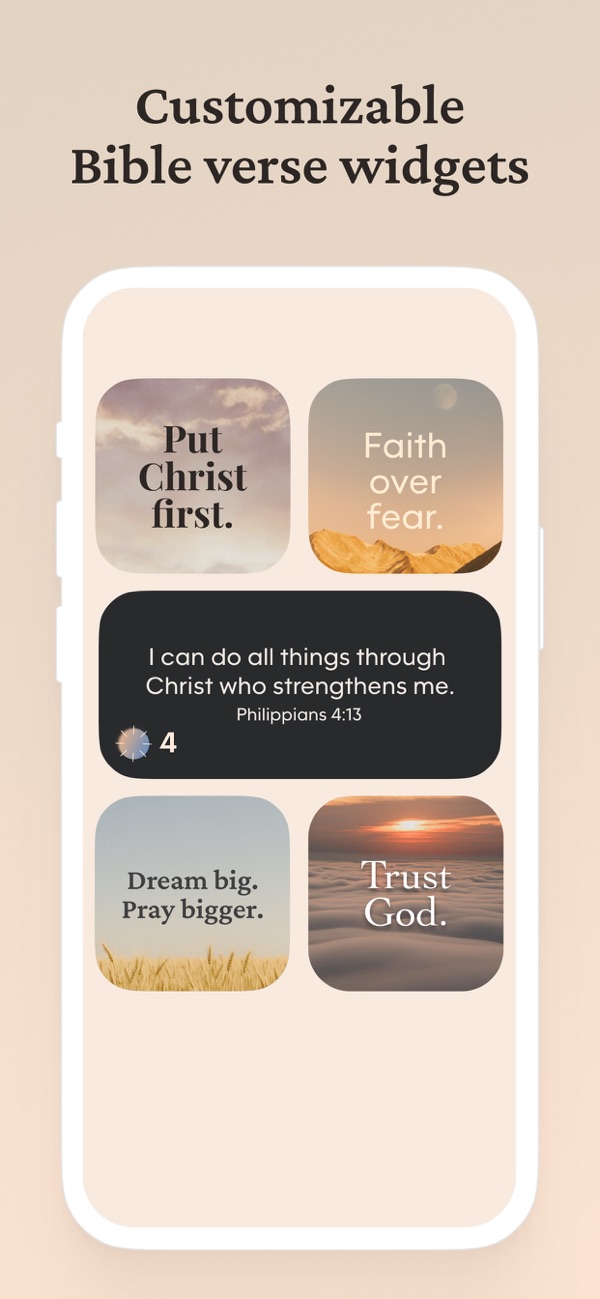
Bible Widgets has two families. Content widgets show a verse, prayer, affirmation or quote from a category you choose, on the Home Screen in small, medium or large, or on the iPhone Lock Screen in rectangular or circular form. The streak widget shows your daily reading streak so the habit is visible on the Home Screen.
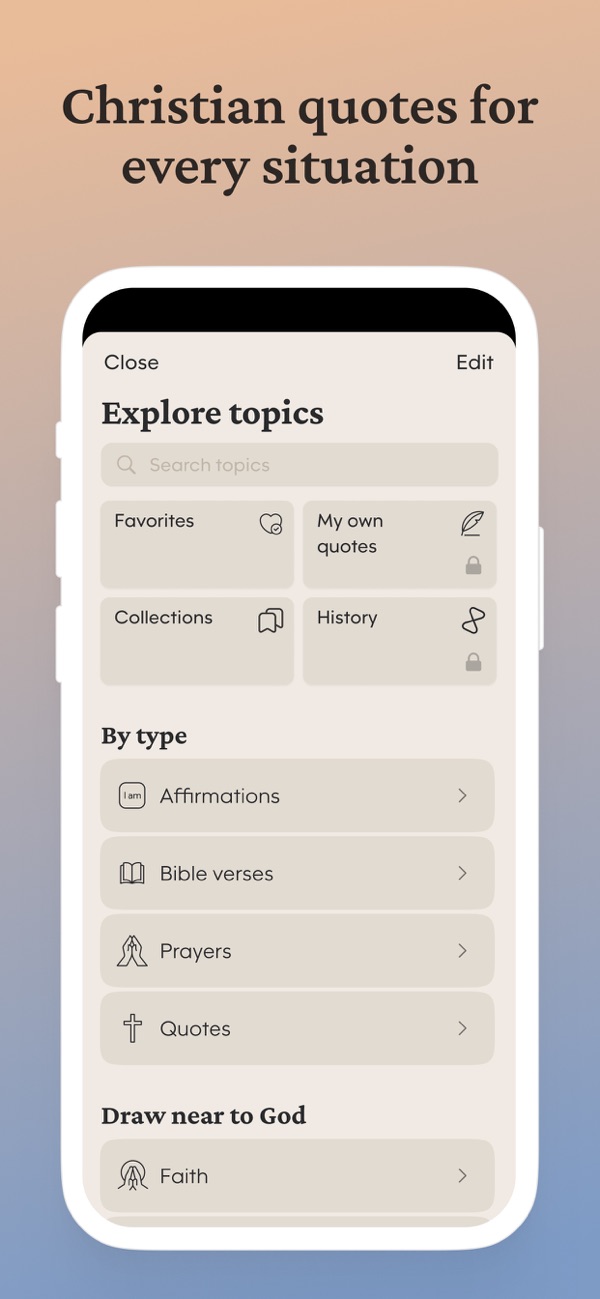
Content comes from more than twenty categories: Bible verses, prayers, affirmations and quotes by type, and topics such as Faith, Hope, Gratitude, Healing, Inner peace, Grief, Self-worth and Letting go. Any widget can be pointed at any category, or at your Favorites.
Where can the widgets go?
On iPhone: the Home Screen (iOS 14 or later), the Today view to the left of the first page, and the Lock Screen strip under the clock (iOS 16 or later). On Android: any Home Screen page, in the sizes your launcher supports. Medium and large Home Screen widgets can show a like and share button so you can save or send a verse directly from the widget.
The Christian widgets in Bible Widgets, one by one
1. Bible verse widget
“A verse with its reference, from all of Scripture or from a topic. The widget most people start with. Set it to Twice a day for a verse of the day, or Never to keep one verse in front of you.”
2. Prayer widget
“A short prayer for the moment: morning, strength, peace, gratitude and more. Pairs well under a verse widget, or on its own on the page you see at night.”
3. Christian affirmation widget
“First-person lines rooted in Scripture, such as the <em>I am</em> affirmations in the app. Useful on a page you check during the workday.”
4. Christian quote widget
“Quotes from Christian authors and thinkers. Choose the Quotes type, or a topic like Faith or Mental toughness, and the widget rotates through them.”
5. Lock Screen widget (iPhone)
“Rectangular or circular, under the clock, with its own categories, font and refresh frequency set in the app. The one widget you see before unlocking. Steps are in the Lock Screen guide below.”
6. Streak widget
“Shows your current daily streak. It does not display content; it keeps the habit visible. Place it next to a verse widget so the two reinforce each other.”
7. Favorites widget
“Any content widget set to the Favorites category becomes a widget of verses you chose yourself. Save verses with the heart in the app or from a medium or large widget, and they appear here.”
Frequently asked questions
Do Christian widgets work on both iPhone and Android?
Yes. Home Screen widgets, themes and categories are the same on both. Lock Screen widgets are iPhone-only, because Android does not offer third-party Lock Screen widgets on most phones.
How often do the widgets update?
You choose per widget: Never, Twice a day, Occasionally (one or two an hour), Frequently (8 to 12 a day) or Very frequently. The setting is under Widget settings in the app.
Can I like or share from the widget?
Yes, on medium and large Home Screen widgets, when Show buttons is turned on. Small widgets have no buttons; tapping them opens the verse in the app.
Do I need to open the app for the widgets to work?
Once, after installing. After that the widgets refresh on their own schedule.
Which widgets are free?
All widget types are available in the free app with basic customization. Premium unlocks every category, the full theme library and custom themes, widget borders and refresh frequency options, and removes ads.